
Material Editing
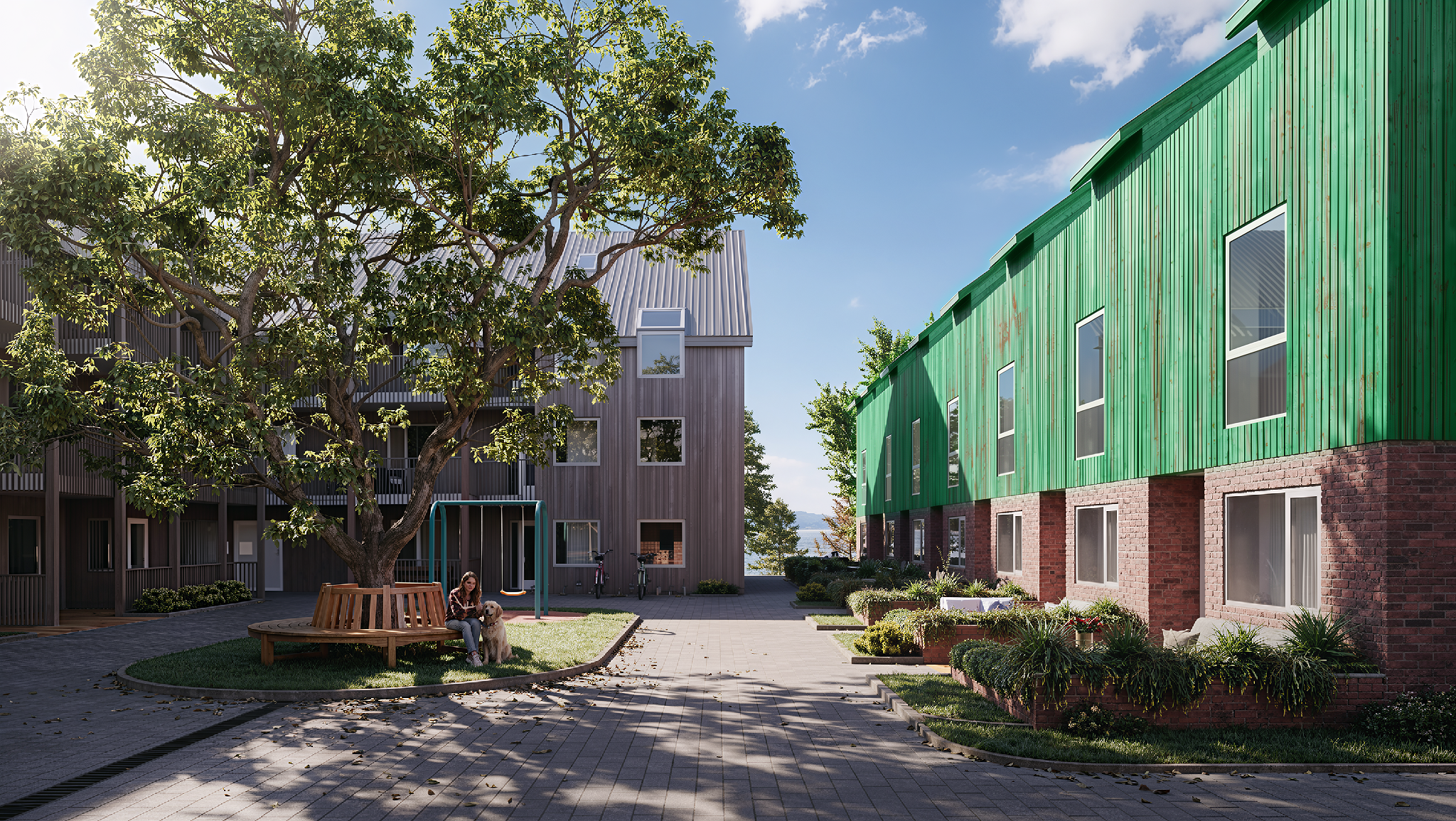
Replace the material of an object in the source image with a new material sample.
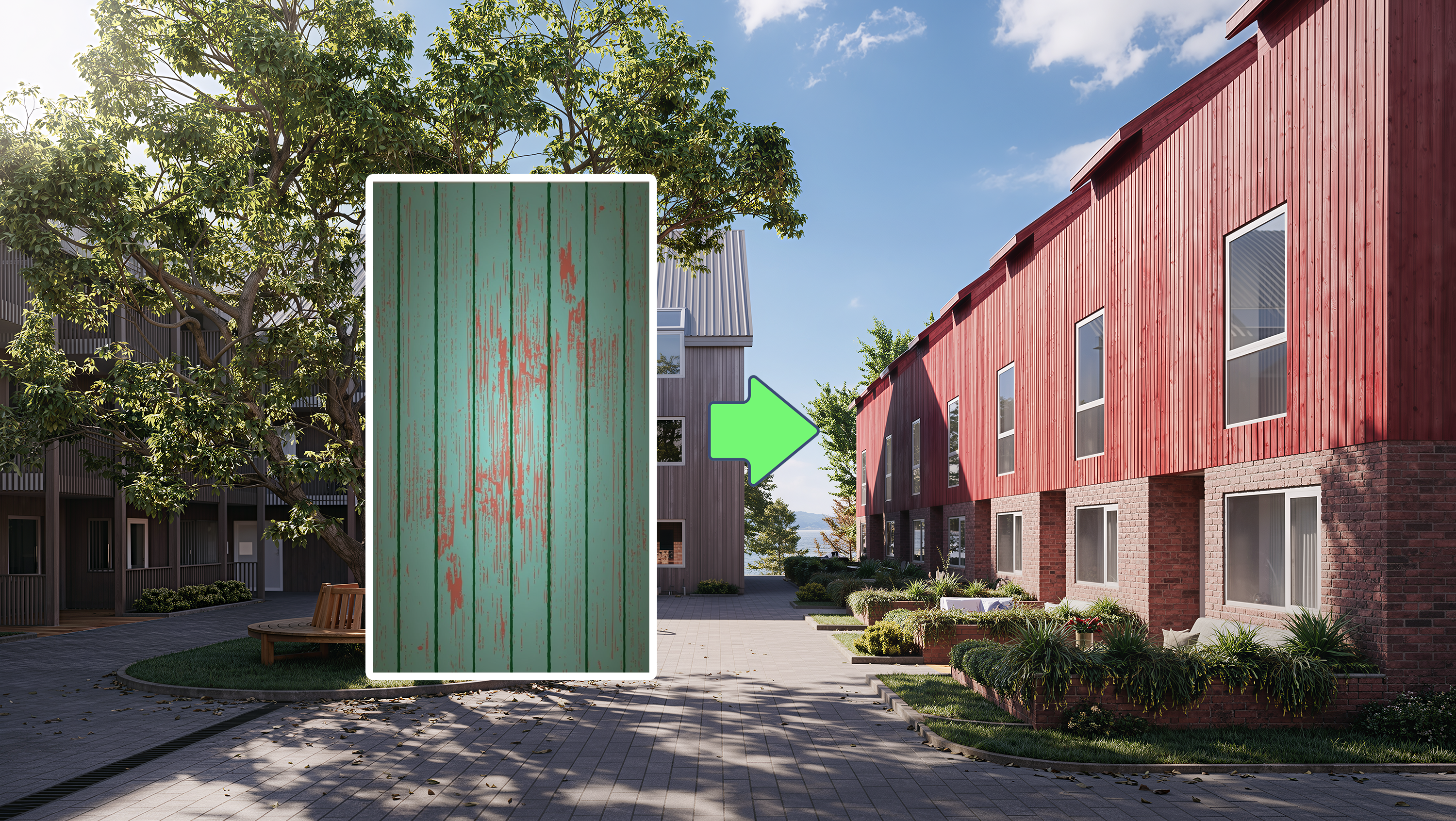
 Before
After
<>
Before
After
<>
Purpose
Replace the material of an object in the source image with a new material sample.
Automatically adjust lighting, shadows, reflections, contrast, and surface properties to create a realistic and visually consistent result.
Ideal for testing different façade materials, flooring options, wall finishes, furniture materials, roofing systems, and interior design concepts.
Instructions
Step 1: Drag and drop your image into the "Source Image for Material Editing" section.
Step 2: Drag and drop the new texture or material sample into the "New Material Sample" section.
Step 3: Click the "Edit" icon in the upper-right corner of the source image.
Select the area where you want to replace the material.
Create a mask covering the target surface.
Click "Apply & Save" to confirm the selection.
Step 4: Enter a prompt to provide additional Tiếng Anh: Instructions for the AI.
Examples:
Replace the façade with white natural stone.
Change the flooring to polished marble.
Replace the wooden panels with dark walnut cladding.
Apply exposed concrete with realistic texture and weathering.
Step 5: Configure the following settings:
Image Generation Steps
Image Resolution
Step 6: Click "Edit Material" and wait for the AI to generate the result.
Tips:
Use high-quality texture samples for the most realistic material replacement.
Create accurate masks to ensure the new material is applied only to the intended surfaces.
The AI will automatically adapt lighting, reflections, shadows, surface roughness, and contrast to match the scene.
Be specific in your prompt about material type, color, finish, scale, and texture characteristics.
Higher-resolution source images generally produce more realistic and detailed material transformations.
Recommended Use Cases
Architectural façade studies
Interior material visualization
Flooring and wall finish comparisons
Furniture material replacement
Exterior cladding design options
Roofing material evaluation
Real estate marketing visualizations
Design review and concept development
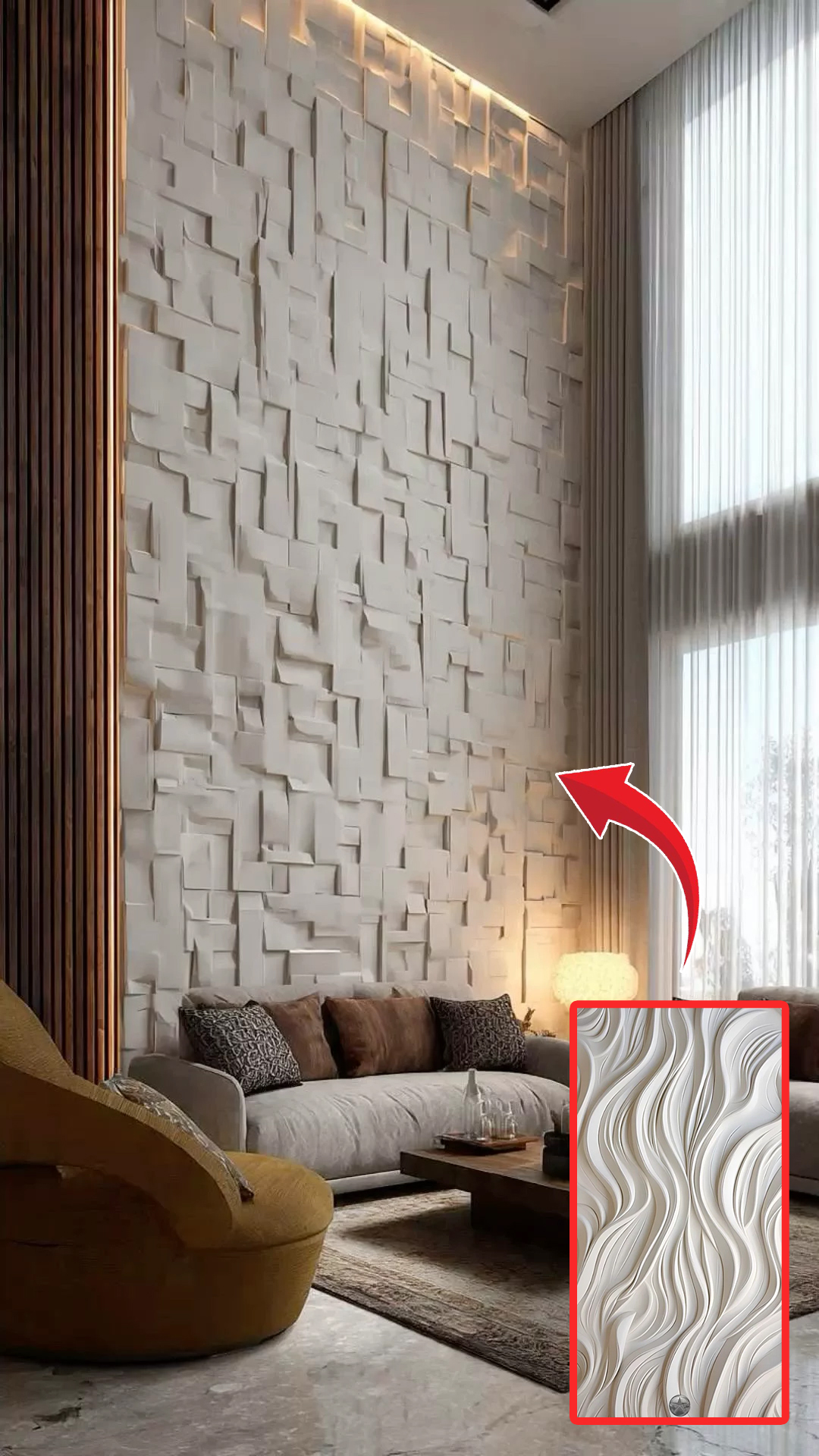
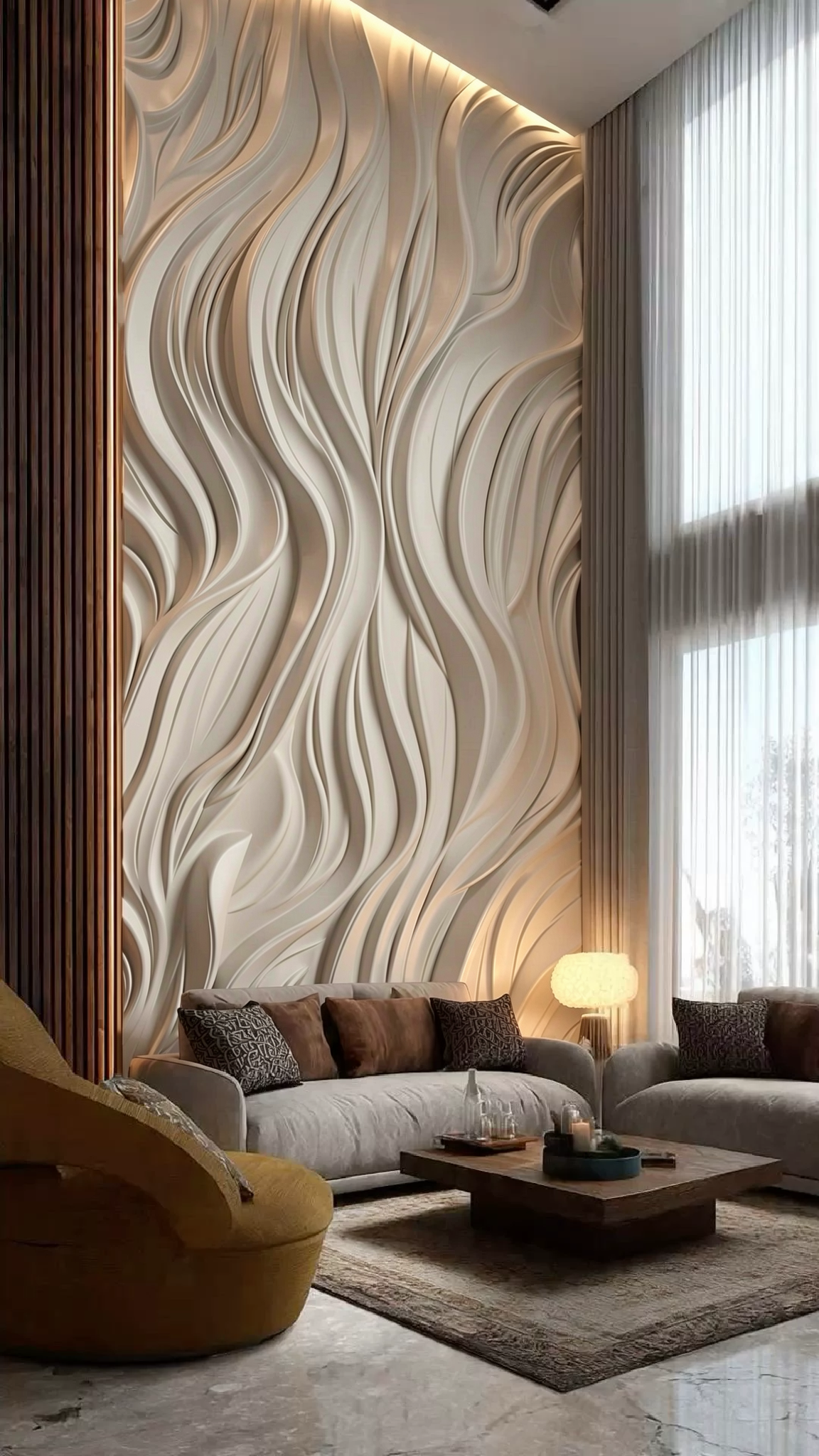 Before
After
<>
Before
After
<>
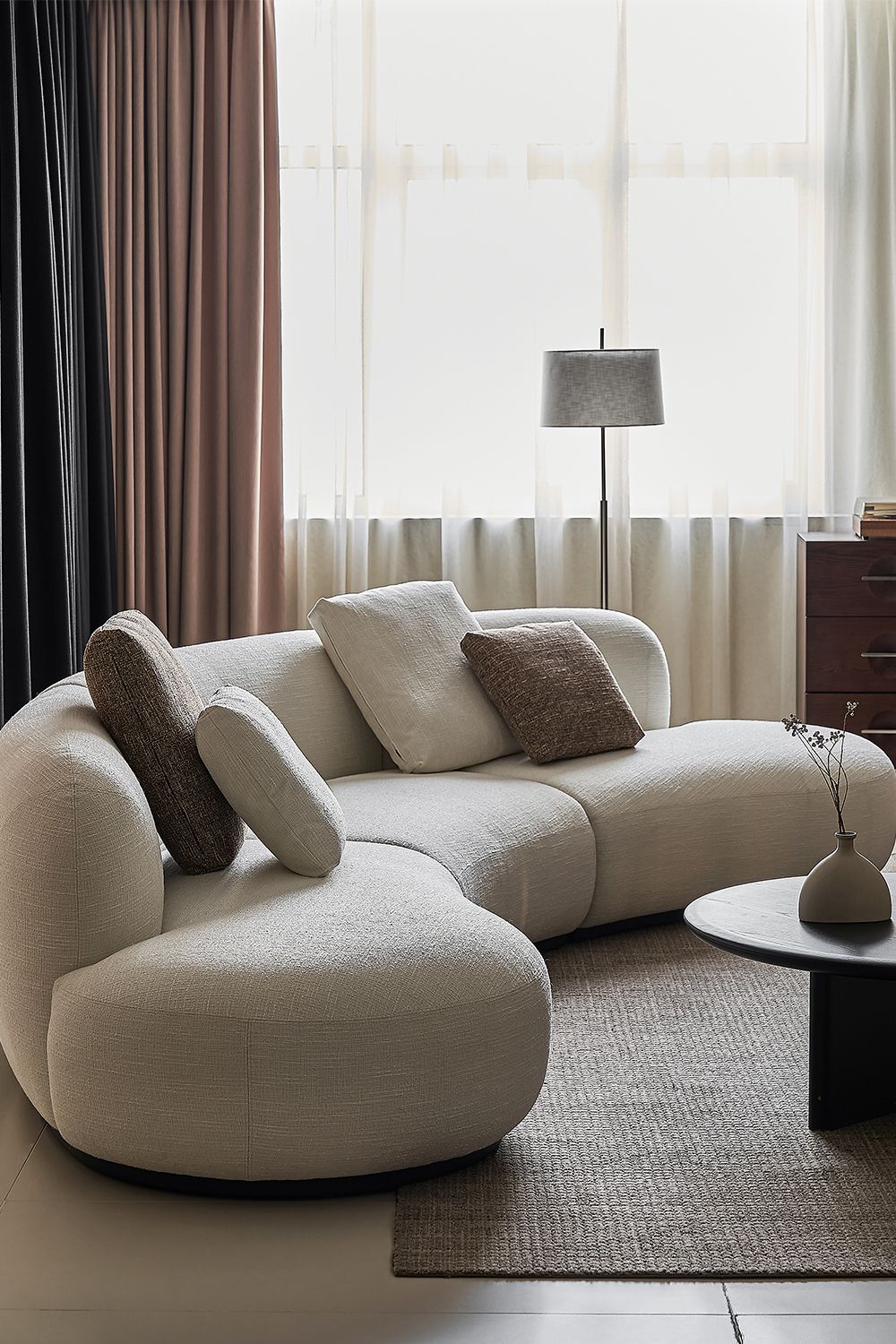
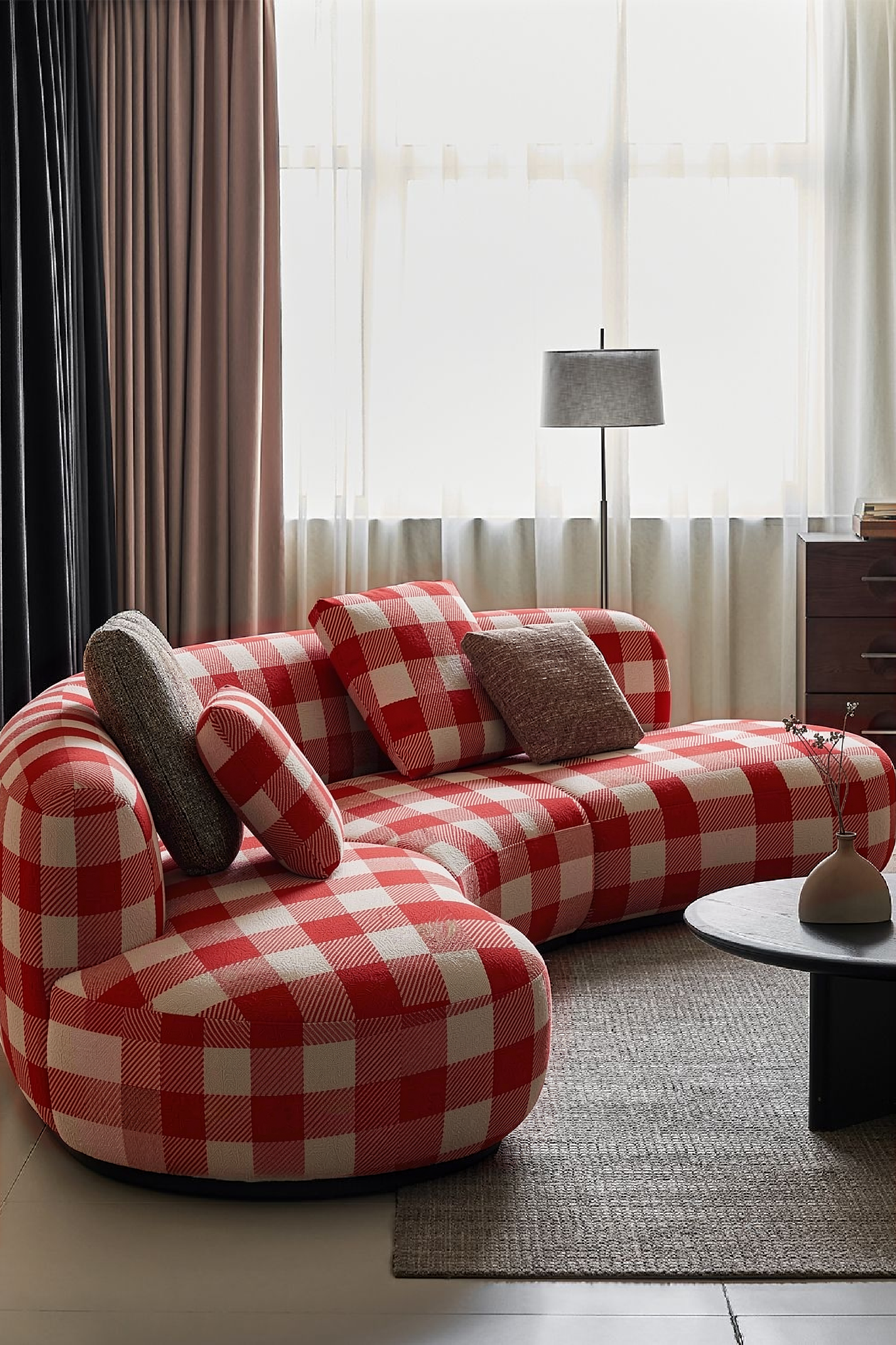 Before
After
<>
Before
After
<>