









Unlimited image output
Hexagon AI does not add any per-image rendering cost because it is a Local AI app that uses the user device to render.
Hexagon AI is a local AI application installed directly on your computer, using your SSD/HDD and GPU to render images from 3D design work.
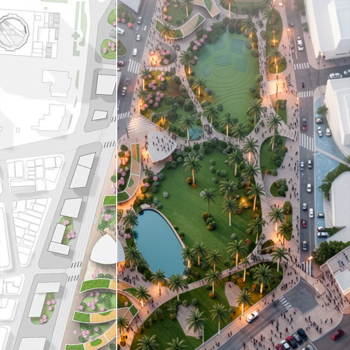
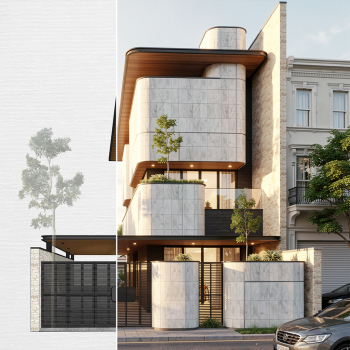
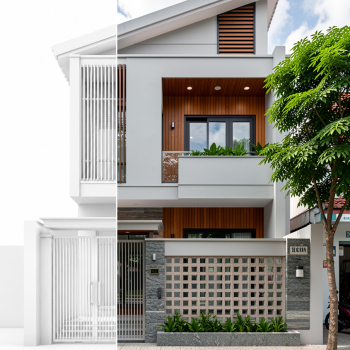
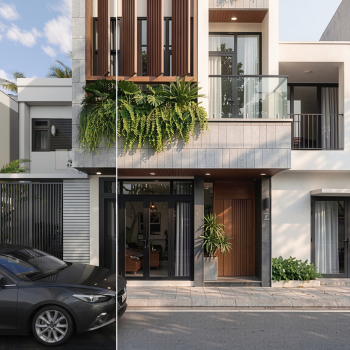
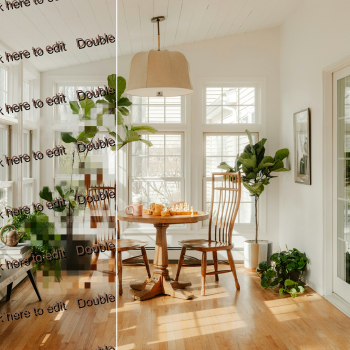
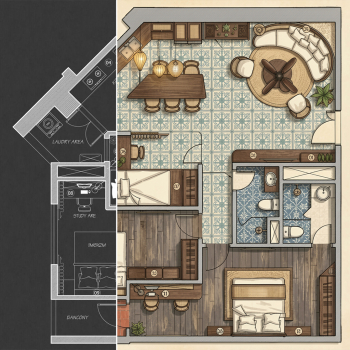
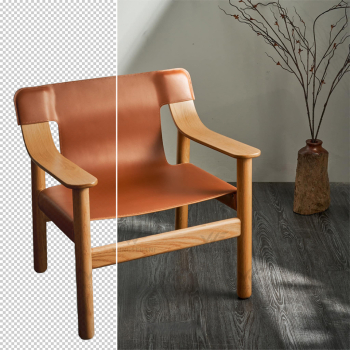
Optimized workflows for design teams - from concept generation to interior and exterior rendering, planning visuals, Photoshop-like image editing and upscaling.
Turn ideas into presentation-ready visuals, from sketches, plans and rough perspectives to polished rendered images.
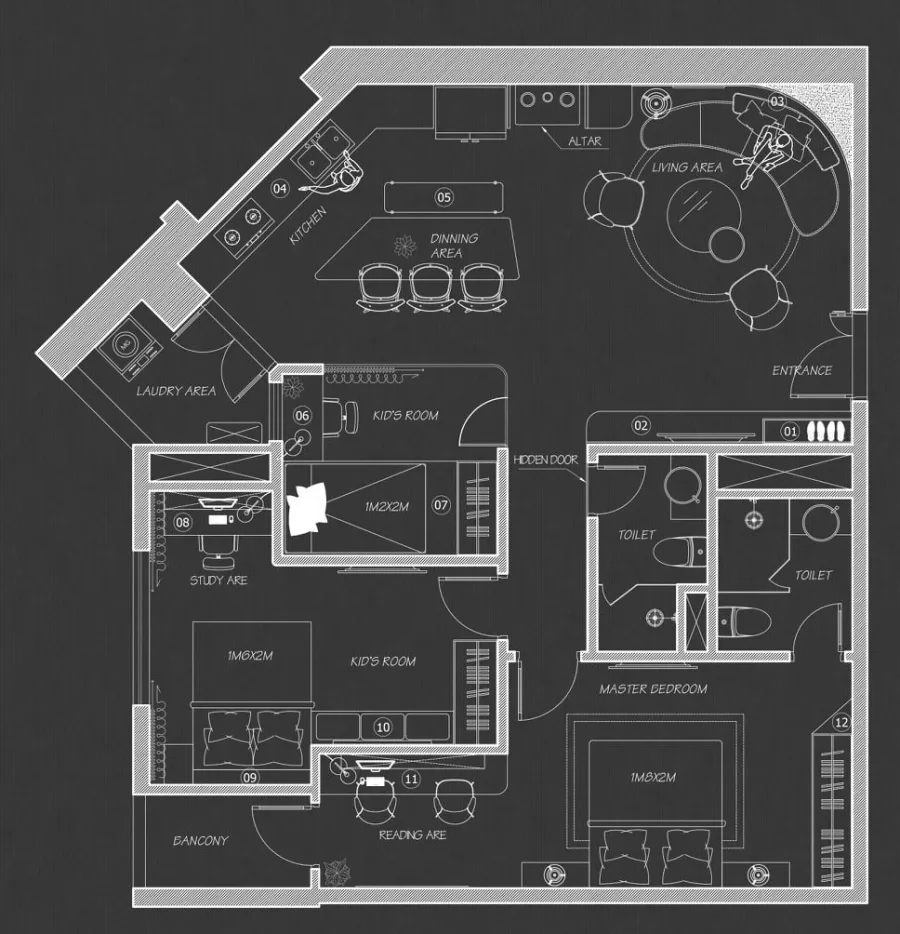
 Original
AI Rendering
<>
Original
AI Rendering
<>
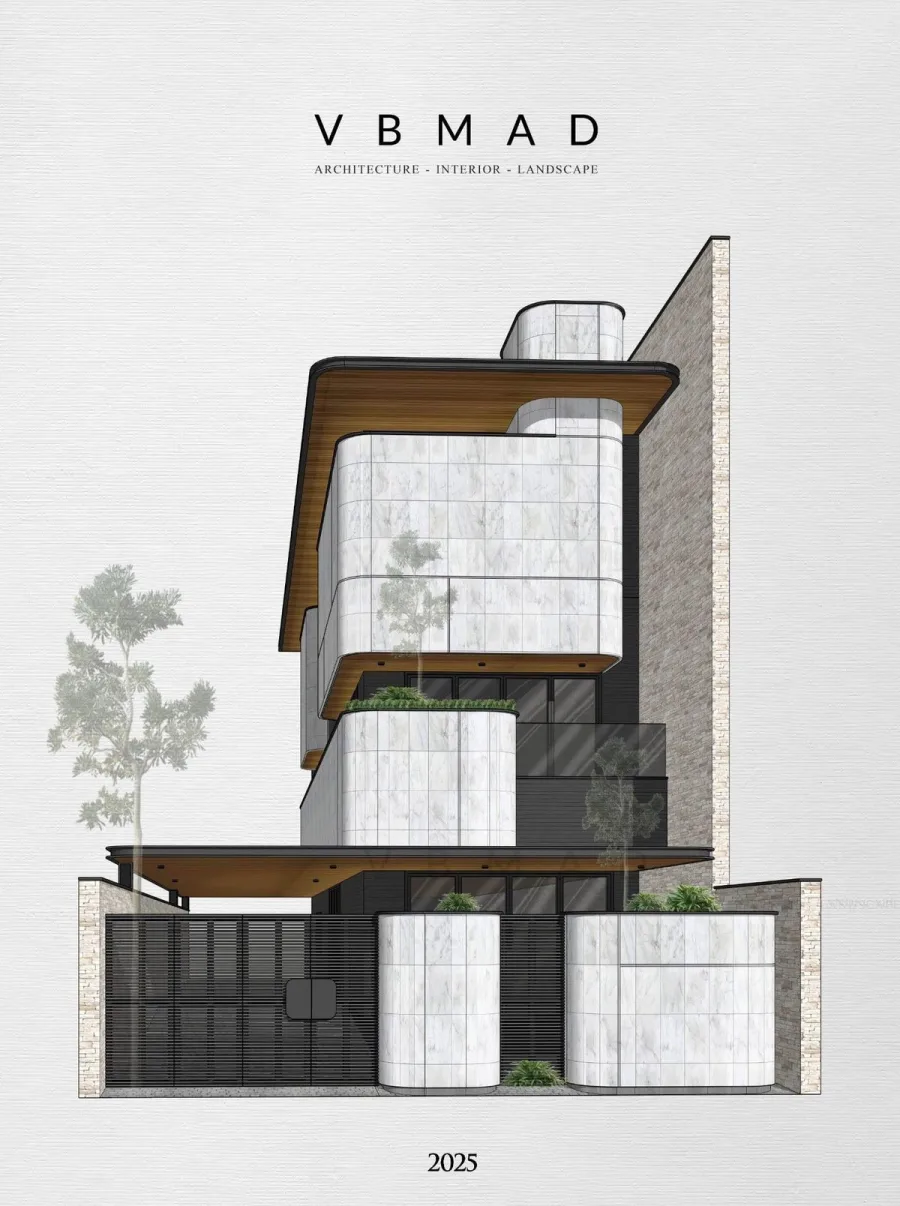
 Original
AI Rendering
<>
Original
AI Rendering
<>

 Original
AI Rendering
<>
Original
AI Rendering
<>
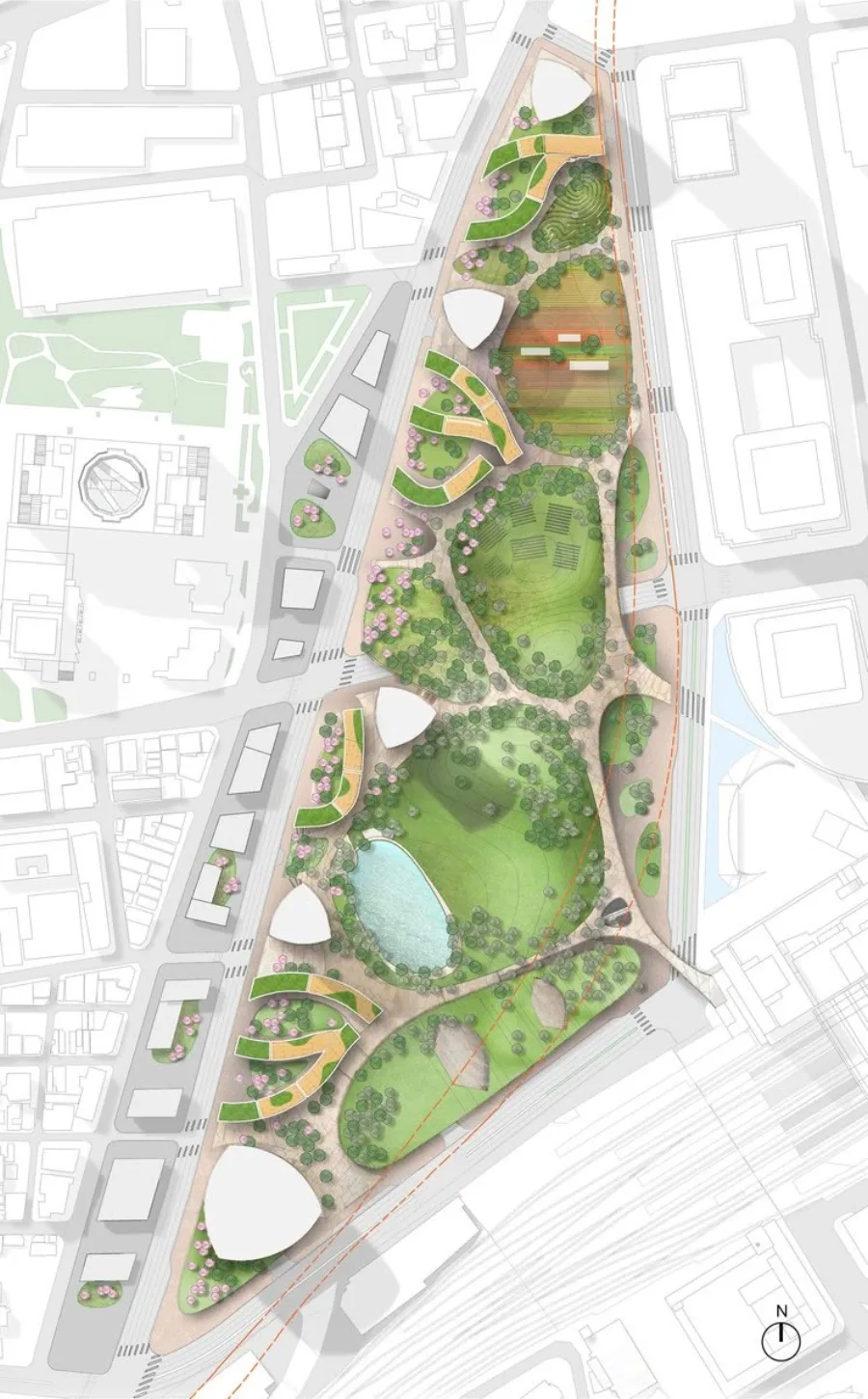
 Original
AI Rendering
<>
Original
AI Rendering
<>

 Original
AI Rendering
<>
Original
AI Rendering
<>
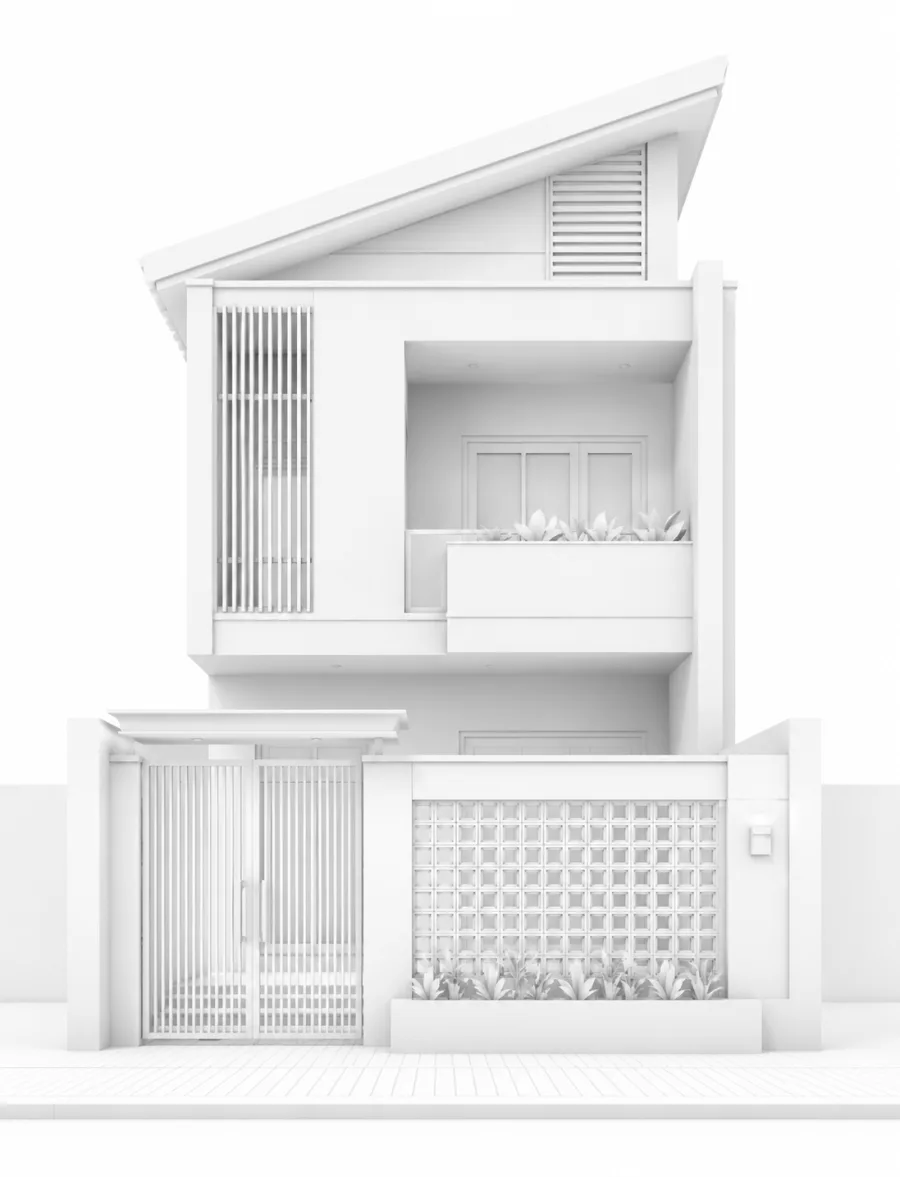
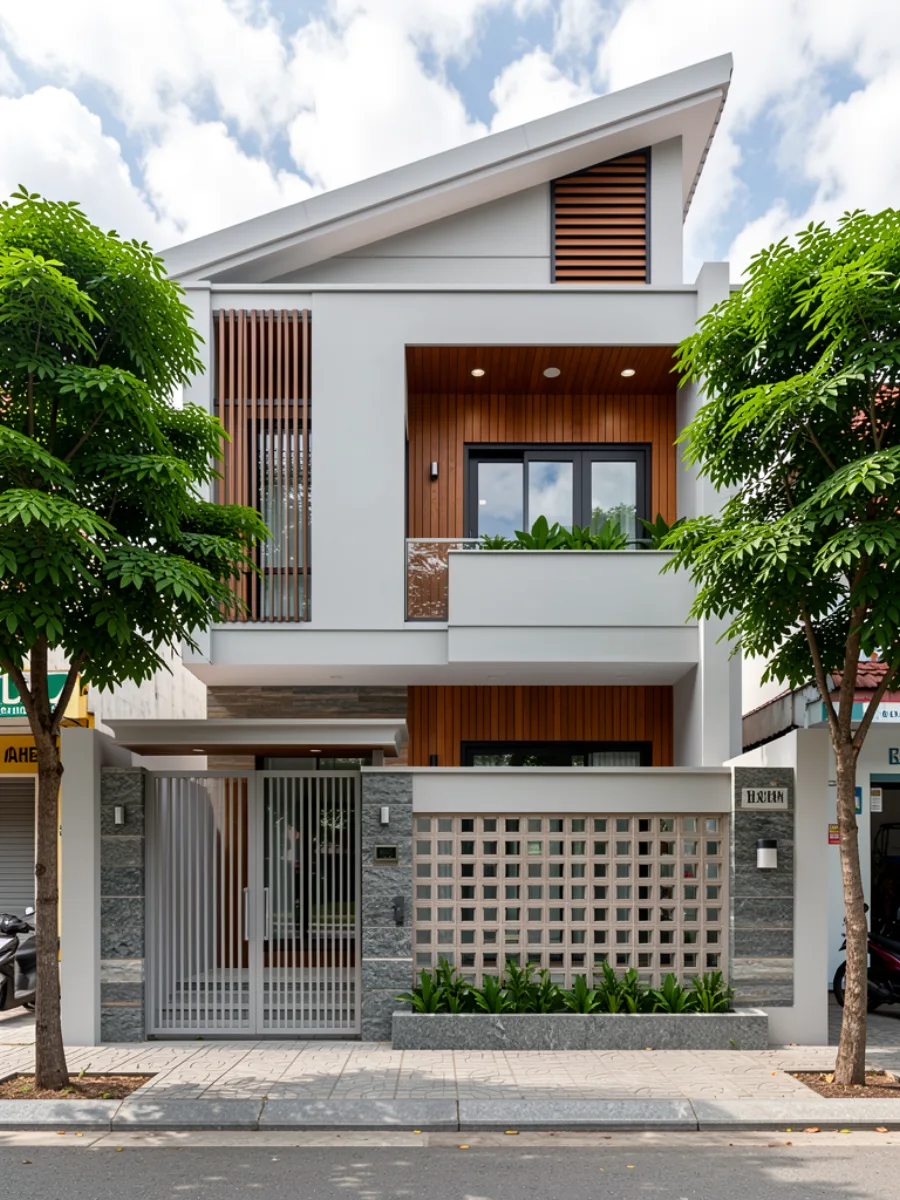 Original
AI Rendering
<>
Original
AI Rendering
<>
AI runs offline, is installed directly on the computer, and uses the device's own resources to perform AI tasks.
Hexagon AI is a form of Local AI built by the Hexagon team, using large AI systems as engines and packaging them into a professional workflow.
Users can render, test options and process images right on their personal machines, making work more convenient, faster, and reducing operating time and cost.
The biggest advantage of Local AI such as Hexagon AI: users can render unlimited images without buying credits or API tokens.
Image rendering does not depend on online AI servers or the Internet, reducing lag/slowdowns during peak hours when many users are active.
Suitable for large companies, BIM enterprises or NDA projects because models and data do not need to be uploaded to an AI server.
Hexagon AI is not directly affected when cloud AI providers such as Google or OpenAI change policies or increase prices.
Cloud AI can update models almost instantly, while Local AI depends on the publisher. With Hexagon AI, the team will update tools regularly so users have the best experience.
For architects and designers already familiar with rendering software, Hexagon AI is fairly easy to adopt. For general users, Hexagon will support consulting on where to buy a quality computer at a reasonable cost.
Local AI video rendering requires large VRAM and wide storage. Hexagon is developing a Hybrid version combining Local AI and Cloud AI so customers can choose the tool that fits their real needs.
Hexagon AI is not only an AI rendering app. It includes usage rights, updates and support so you can deploy it reliably in real production work.
Users can render, explore design options and process images continuously during the license period without buying extra credits.
Hexagon features will be updated regularly based on customer needs and market demand.
Hexagon AI does not add any per-image rendering cost because it is a Local AI app that uses the user device to render.
Hexagon provides installation guidance, account activation, updates and troubleshooting support during use.
Video tutorials help users work efficiently, with key notes for creating better output in less time.
Customers receive module, preset, version and workflow updates according to release plans and market needs.
Customers can contribute ideas and request new workflows. Hexagon may develop new tools when practical demand is strong enough.
When users change machines, reinstall Windows or upgrade hardware, they can request an ID reset according to policy.
In-app tools
Unlimited rendering
AI Data local
Single (1-device key) - The user uses a fixed key for one machine. If Windows is reinstalled, hardware changes, or the user changes machines, the user needs to contact admin for device reset support. The maximum transfer limit is 1 time/day.
Dual (2-device key) - The user can freely log in to Hexagon AI on 2 devices for use (only 1 machine at a time), and can still reset device when needed.
AI Data is ~50GB and may increase when Hexagon updates the software and models.

The installer includes the main app and local AI data package. After installing the data, processing runs from your SSD/HDD and GPU.
Check these requirements before downloading and installing Hexagon AI.
Drive C should be an SSD so the app and supporting data run reliably.
AI Data is ~50GB and may increase when Hexagon updates the software and models.
Enough RAM helps rendering and image workflows run more reliably.
Requires an Nvidia RTX GPU with at least 6GB VRAM.

Contact support for plan advice, payment guidance, activation key delivery and installation help.