
Day/Night Conversion
Quickly transform daytime images into realistic nighttime scenes with professionally enhanced lighting effects.
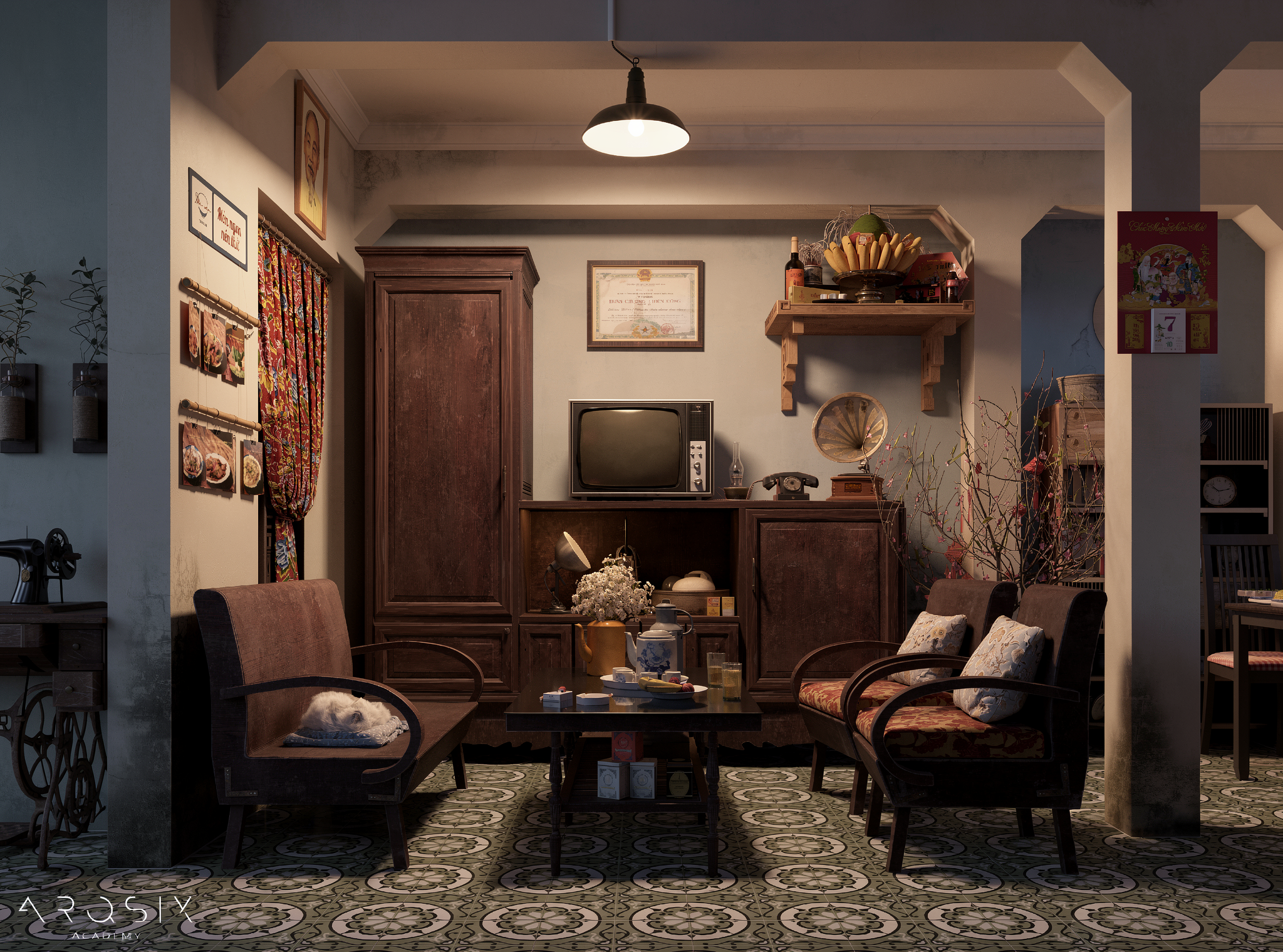
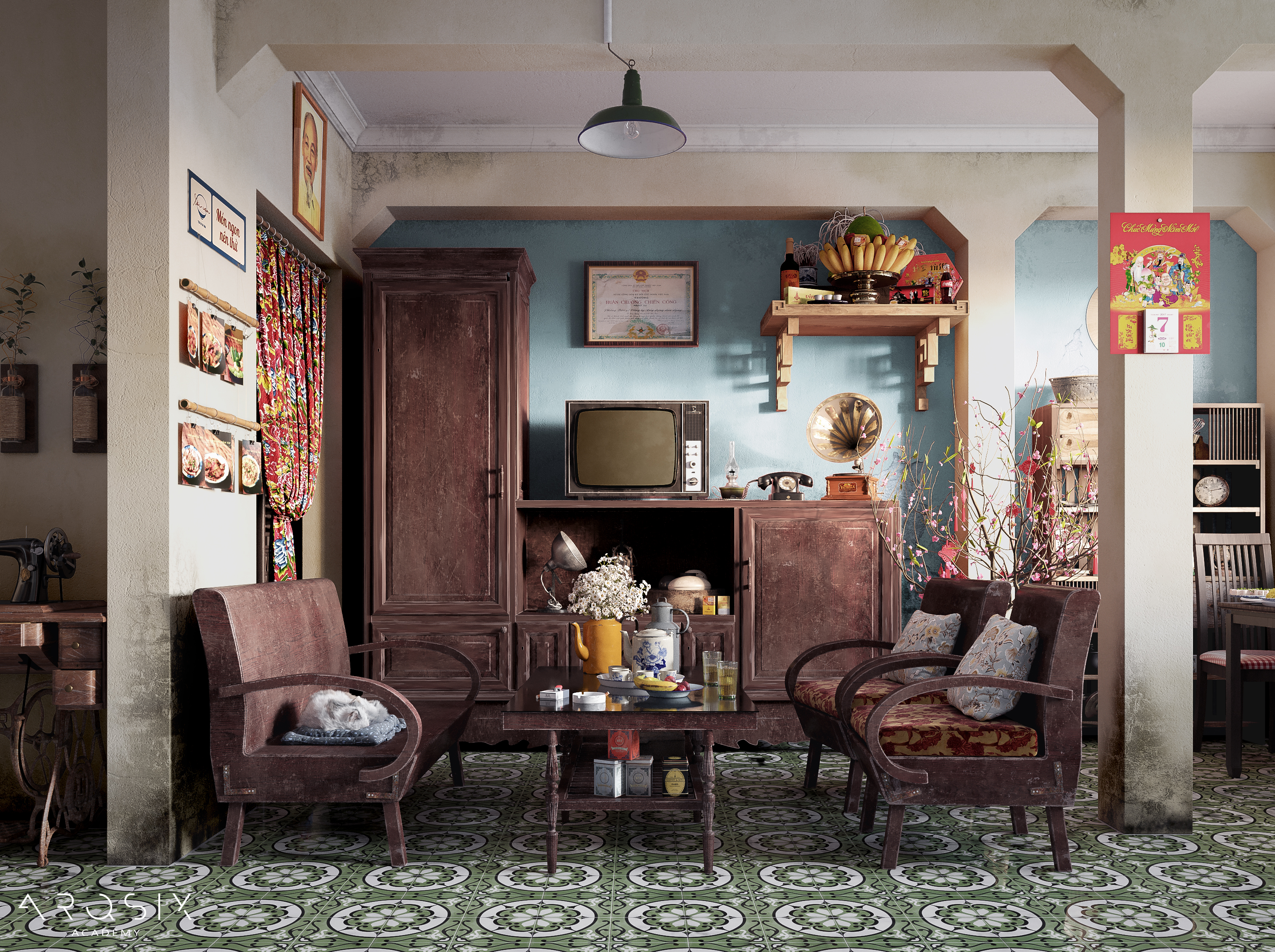 Before
After
<>
Before
After
<>
Purpose
Quickly transform daytime images into realistic nighttime scenes with professionally enhanced lighting effects.
Automatically generate building lights, interior illumination, street lighting, landscape lighting, reflections, and atmospheric night-time ambiance.
Ideal for architectural visualizations, exterior renderings, urban planning presentations, and real estate marketing materials.
Instructions
Step 1: Drag and drop your image into the "Source Image for Editing" section.
Step 2: Enter a prompt to describe any additional modifications you would like the AI to perform.
Keep the "Image Generation Steps" setting unchanged.
Select the desired "Image Resolution" if needed.
Step 3: Click "Render" and wait for the AI to generate the result.
Tips:
For best results, use high-quality daytime images with clear building geometry, lighting conditions, and surrounding context.
Images with visible windows, façade details, streets, and landscaping typically produce more realistic night-time transformations.
Use prompts to specify the desired mood and lighting style, such as:
Warm architectural lighting
Luxury hotel night scene
Modern urban skyline at night
Cinematic blue-hour atmosphere
Vibrant city lights and reflections
Soft landscape lighting
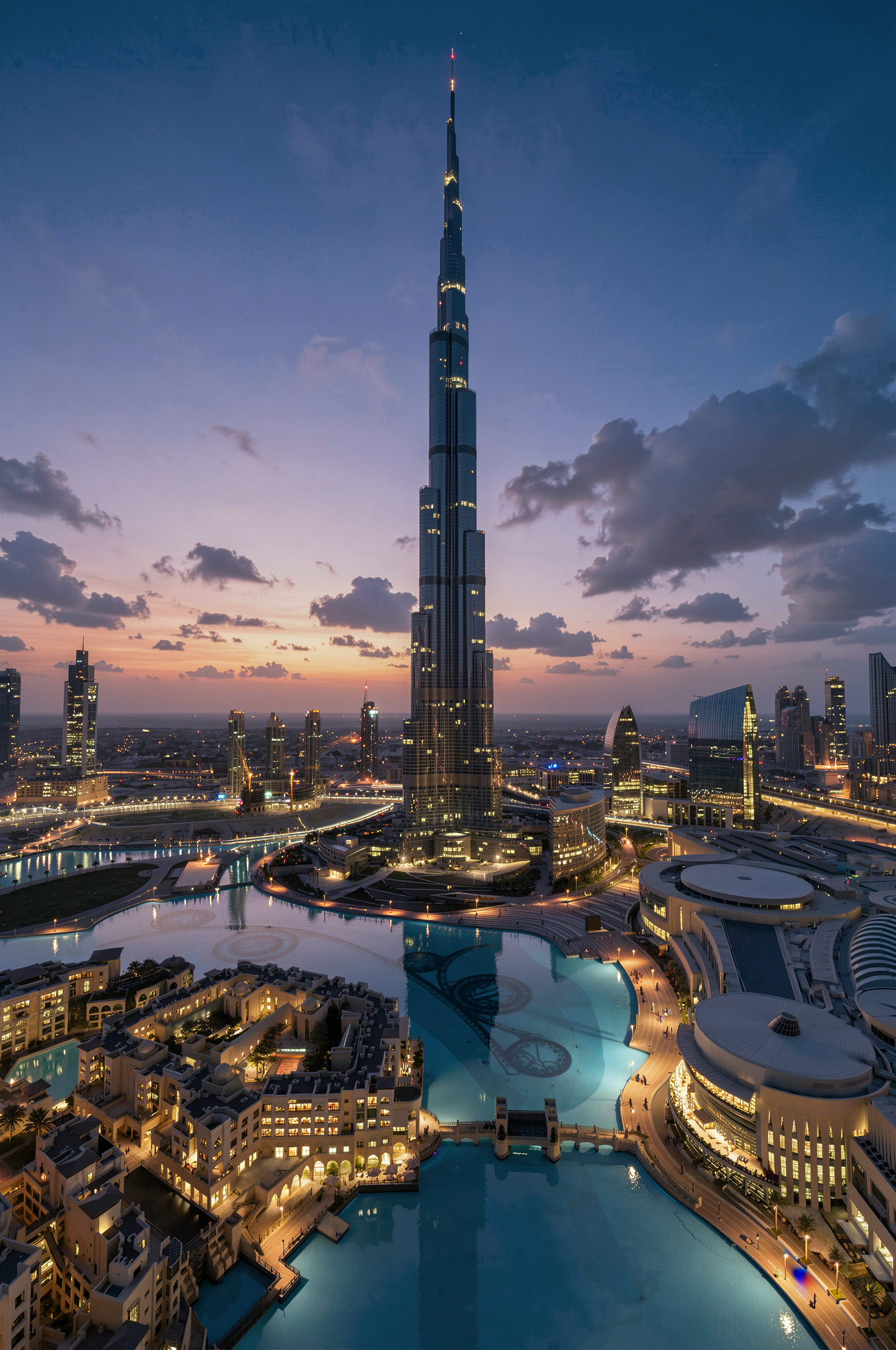
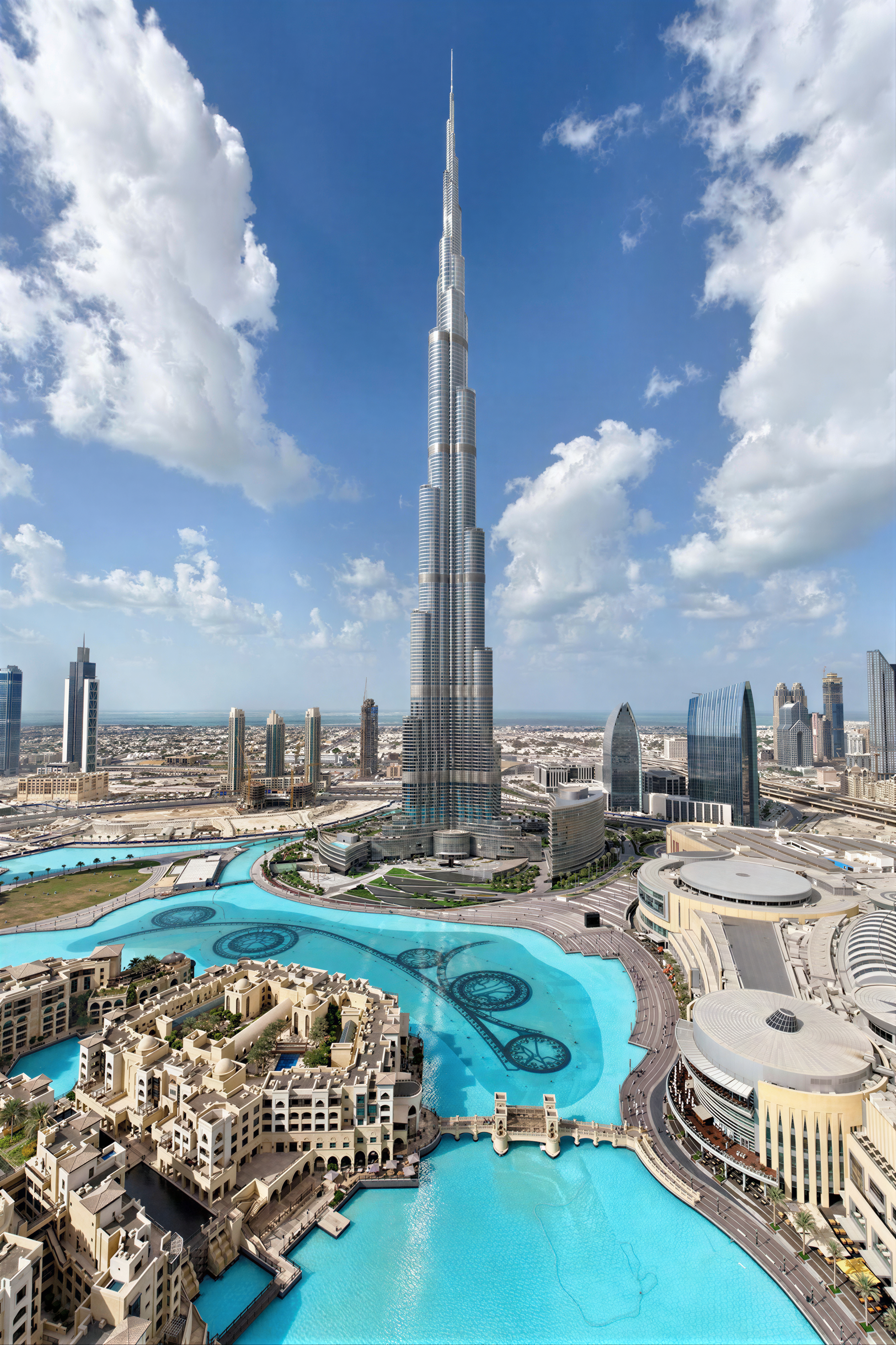 Before
After
<>
Before
After
<>
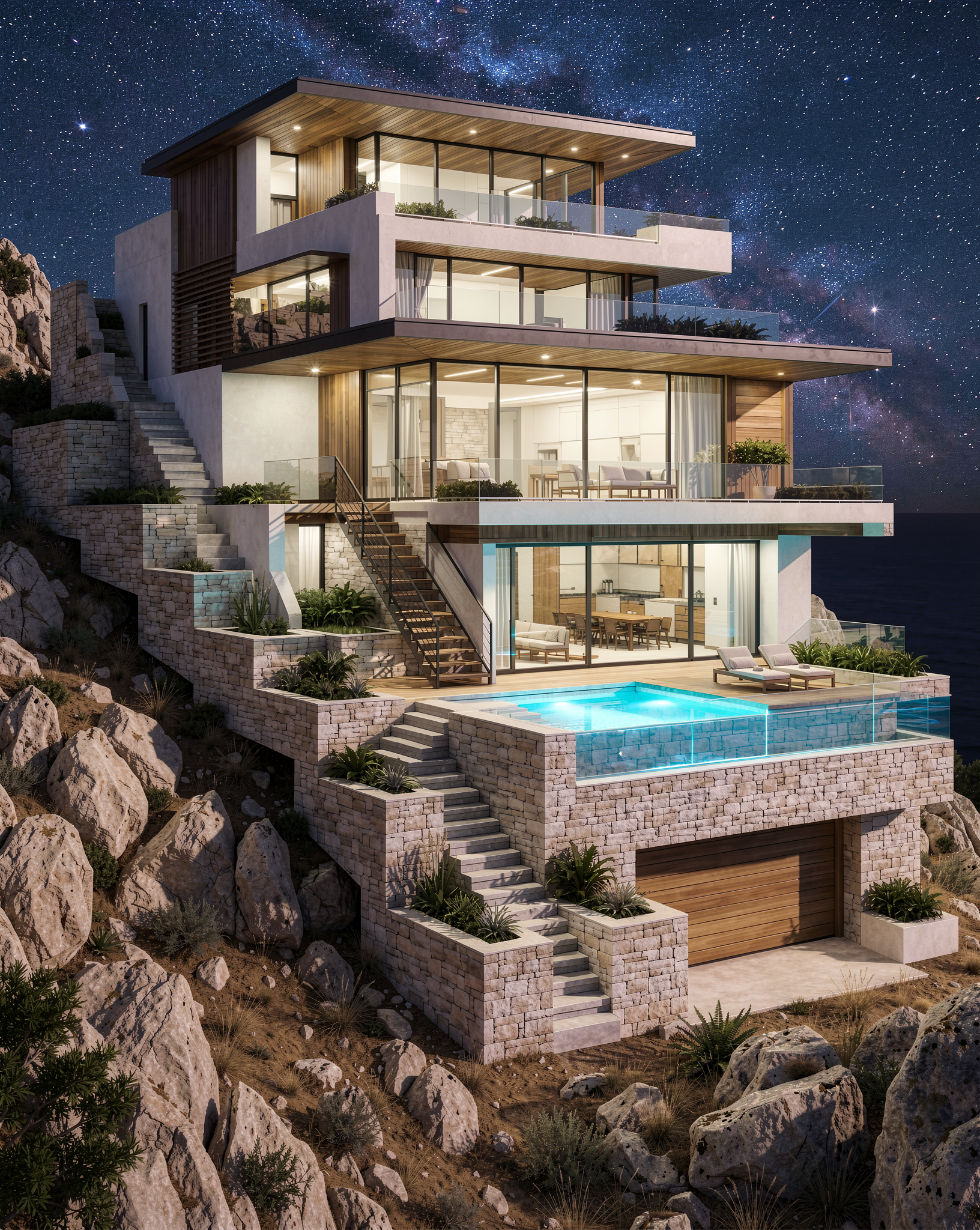
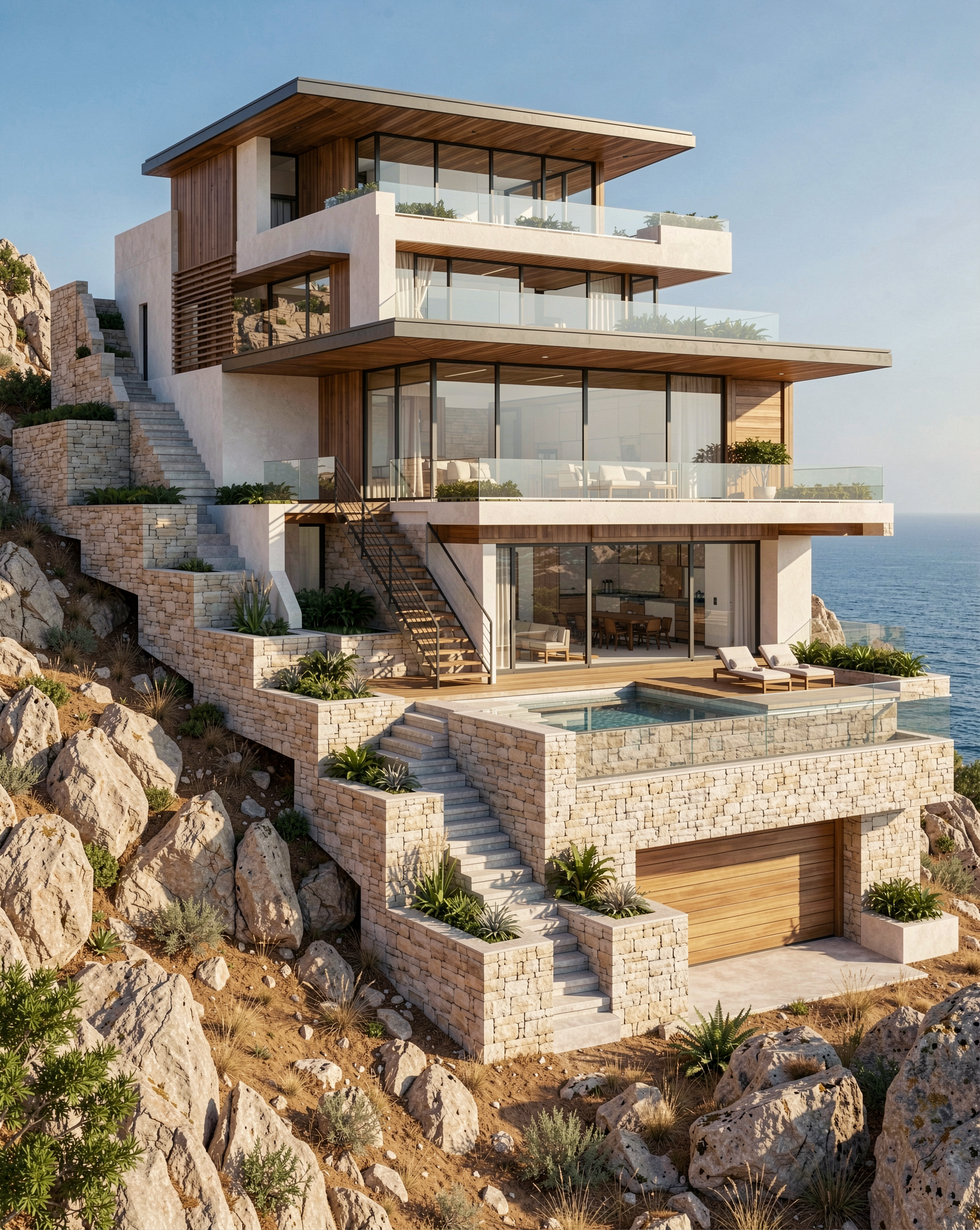 Before
After
<>
Before
After
<>