
Exterior Render
Transform exterior building screenshots (captured from 3D software) into realistic architectural visualizations.
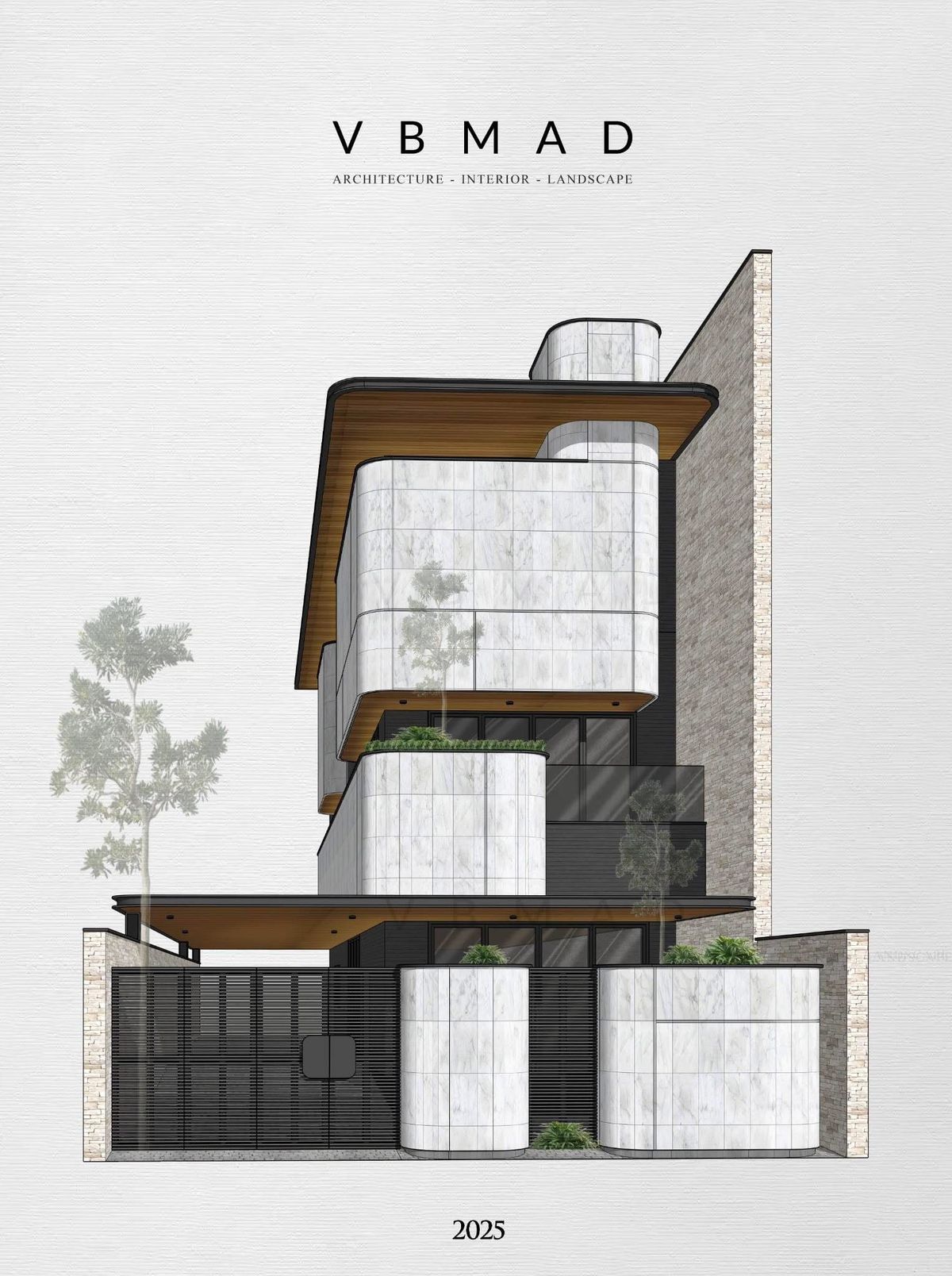
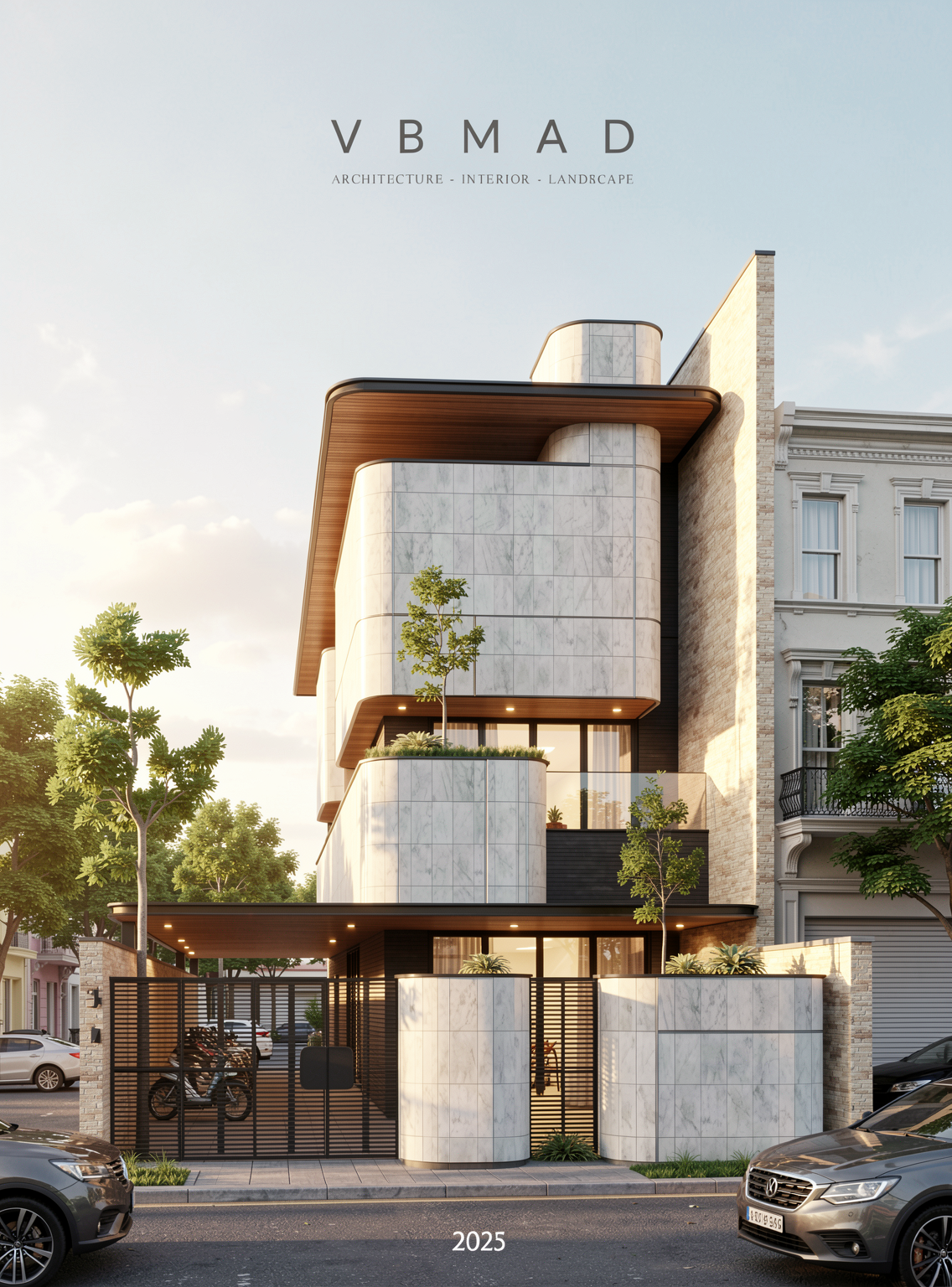 Before
After
<>
Before
After
<>
Purpose
Transform exterior building screenshots (captured from 3D software) into realistic architectural visualizations.
Customize weather, environment, lighting, atmosphere, project type, and visual style to match your design vision.
Instructions
Step 1: Drag and drop your screenshot or architectural model image into the "3D Building Image" section.
Step 2: Choose either "Basic Mode" or "Advanced Mode" depending on your project requirements, then configure the appropriate prompt.
Step 3: Configure the following parameters:
Fidelity to Source: The higher the value, the closer the generated image will match the original model. However, creativity and the ability to add new elements may be reduced. Adjust according to your needs.
Detail Enhancement: Increasing this value will produce images with more detail, texture, and contrast.
Image Generation Steps: Recommended values are 4 or 6.
Image Resolution: Maximum output resolution is 2K.
Step 4: Click "Render" and wait for the AI to generate the result.
Notes
For higher-resolution outputs such as 4K, 8K, or 10K, use the Upscale or Upscale Pro feature.
Open the "History" panel.
Drag the rendered image into the "Source Image for Upscaling" section.
Select your desired output resolution.
Start the upscaling process.
Tips:
For the best results, use clear screenshots that accurately display the building massing, façade details, roads, landscaping, and surrounding context. Higher-quality source images generally produce more realistic and visually appealing renderings.
Recommended workflow:
Increase Fidelity to Source when you need to preserve the original design accurately.
Decrease Fidelity to Source when you want the AI to be more creative and add richer environmental details, vegetation, vehicles, people, or architectural enhancements.
Tutorial: https://www.youtube.com/watch?v=SRQFHFplWdc&list=PLj5J9S3Y4paxIsNDvVQFUNXL8N_9PxuEU&index=4
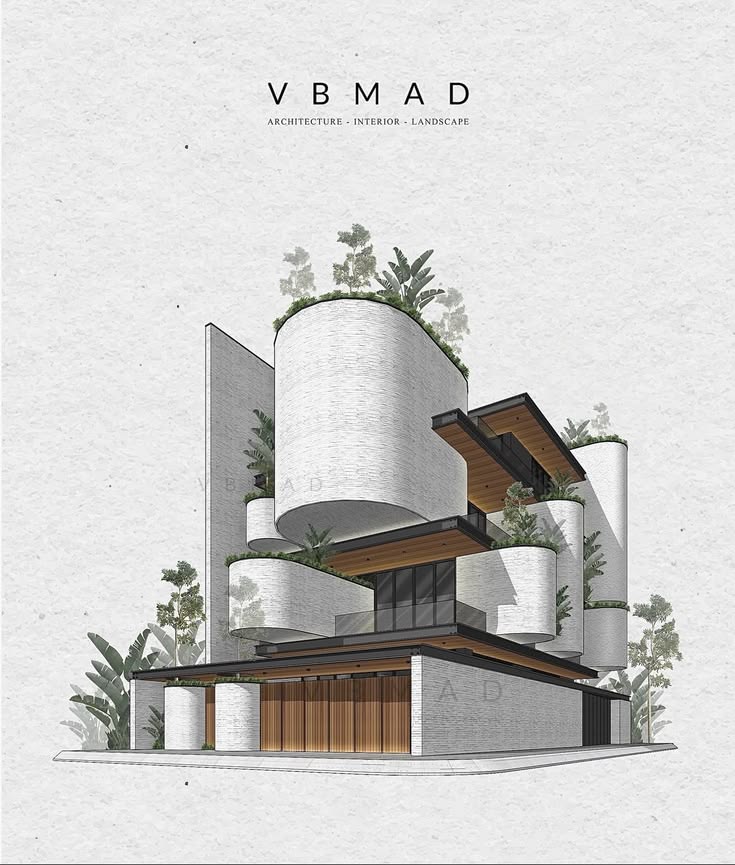
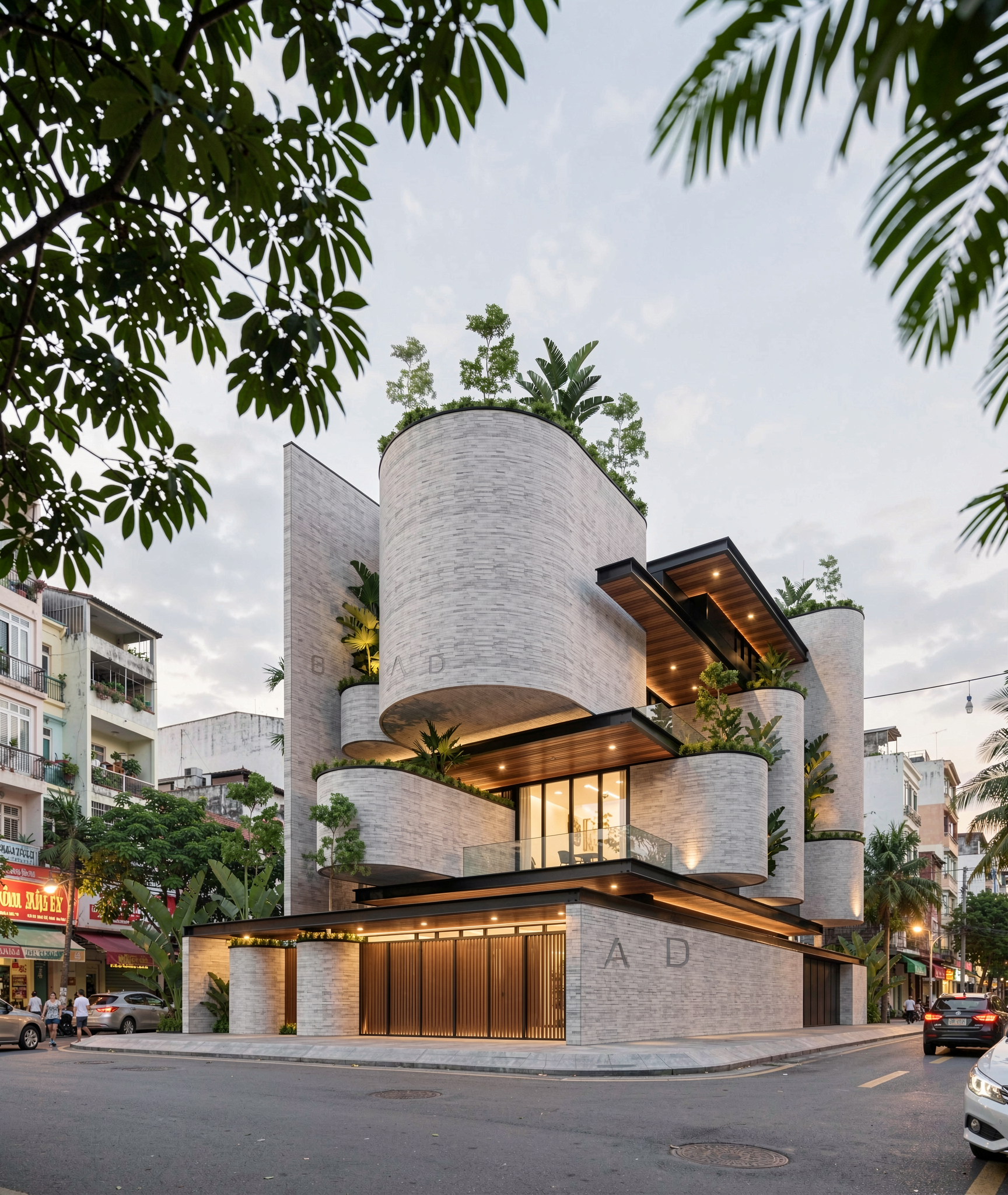 Before
After
<>
Before
After
<>
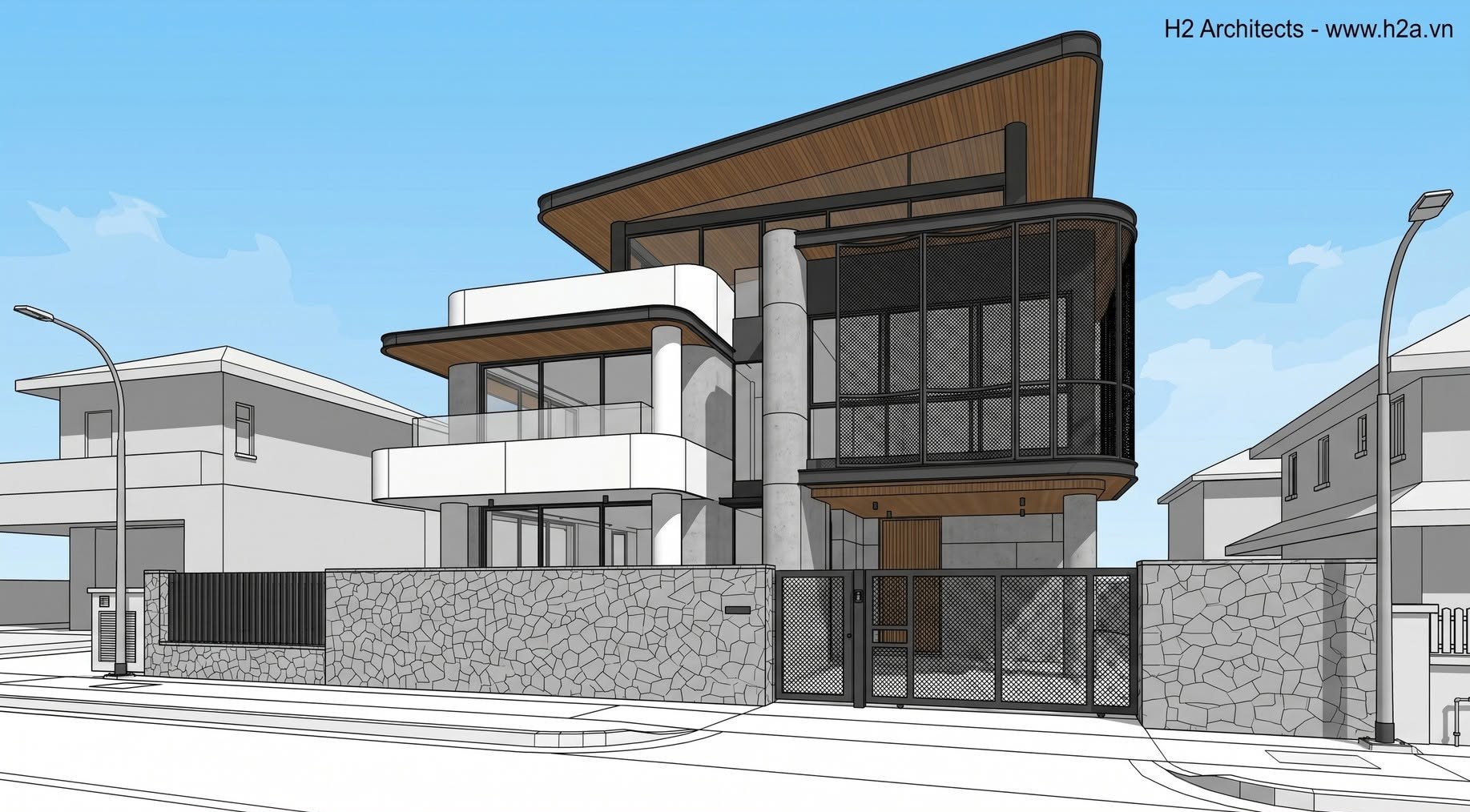
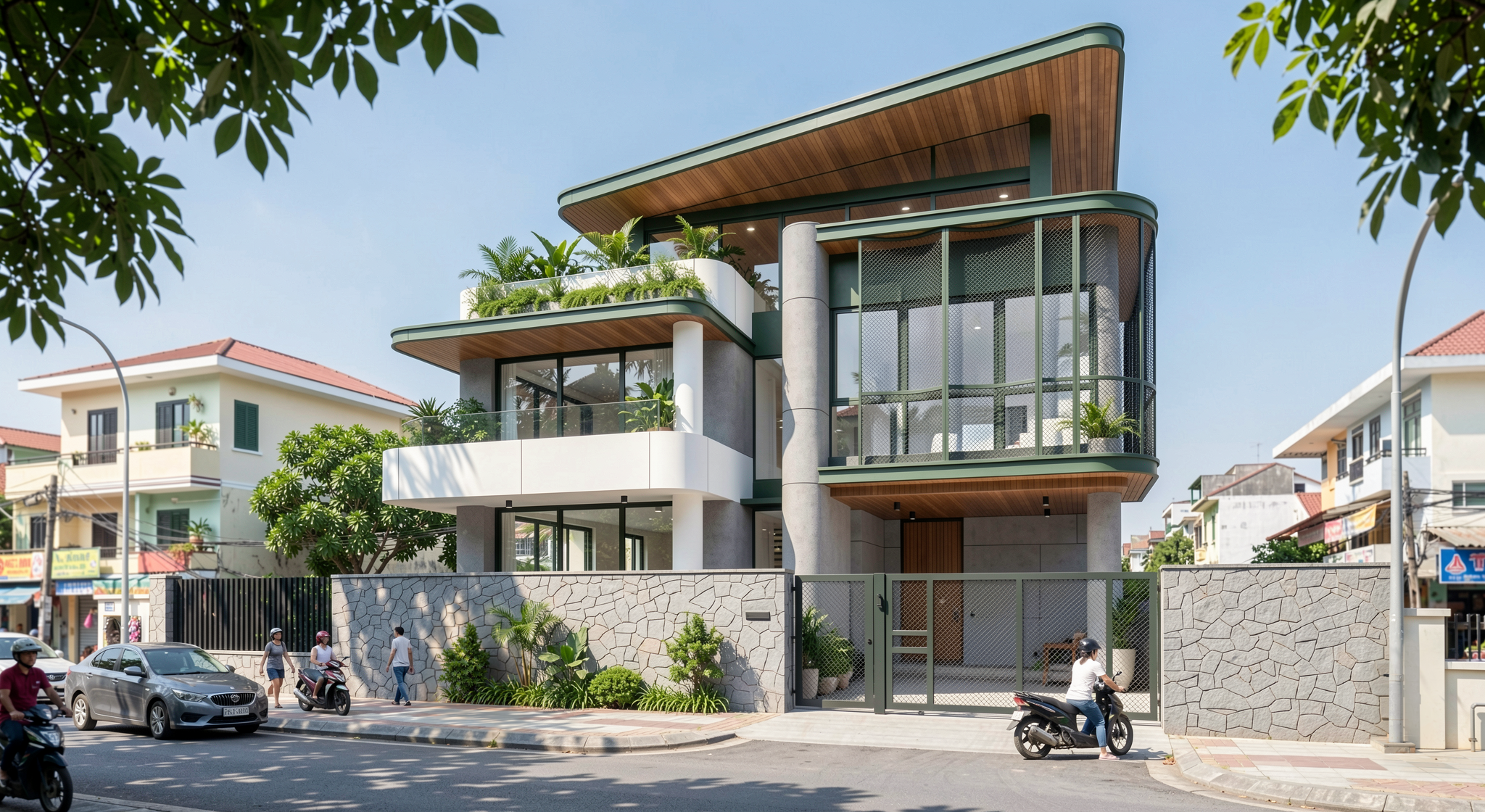 Before
After
<>
Before
After
<>